The AutoCAD Technical Drafting Internship Program is designed to give you practical, hands-on experience in 2D technical drafting. You'll learn how to master the AutoCAD interface, use precision drawing and modification commands, manage drawings using Layers and Blocks, and apply professional-grade annotations and dimensions.
By the end, you'll be able to create industry-standard, scaled drawings for careers in architecture, engineering, and construction.
Duration: 7 Weeks (6-8 hrs/week) Learning Format: Live/Online/Interactive
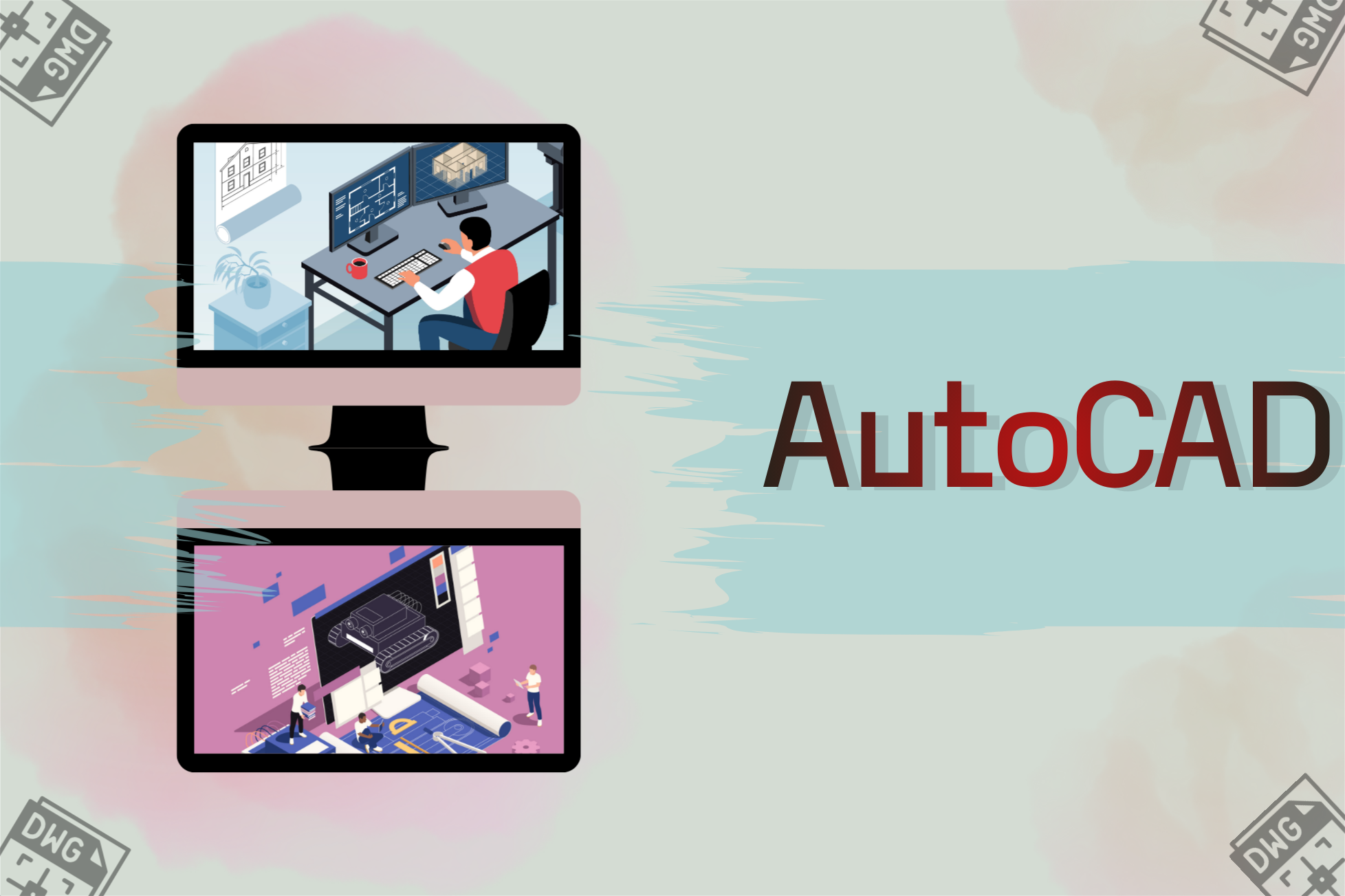
This beginner-friendly program provides a solid foundation in the core functionalities of AutoCAD. It emphasizes precision drafting techniques, efficient use of modification tools, and proper drawing organization, preparing participants for immediate application in professional environments.
Duration: 7 Weeks
Level: Beginner to Intermediate
Goal: Equip interns with practical 2D drafting skills using AutoCAD for entry-level roles in architecture, engineering, construction, and manufacturing. Focus on real-world drawing workflows, standards, plotting, and professional documentation.
Introduction & AutoCAD Fundamentals
Introduction to AutoCAD interface
Navigation tools (Pan, Zoom, UCS basics)
Drawing units, limits, and precision settings
Setting up templates (.DWT)
Basic shapes & geometry creation
Outcome: Ability to create basic drawings with proper precision.
Drawing Tools & Layer Management
Line, Polyline, Circle, Arc, Rectangle, Polygon
Object snaps (OSNAP), tracking, grids
Layer creation & naming standards
Color, lineweight & linetype management
Outcome: Clean, structured drawings using proper layers and precision tools.
Modifying Tools & Block Systems
Trim, Extend, Fillet, Chamfer, Offset, Stretch
Dynamic Blocks
Block Attributes (title block fields, data fields)
Building a block library for projects
Outcome: Efficient editing workflows and reusable drafting components.
Annotation, Dimensions & Text Standards
Text creation (single & multiline)
Leaders (MLEADER)
Dimension tools (Linear, Aligned, Radial, Angular)
Dimension Style Manager (DIMSTYLE)
Annotative dimensions & annotative text
Hatching & pattern settings
Outcome: Clean, readable drawings suitable for printing & client handovers.
External References & Drawing Management
XREFs (External References)
Raster image insertion
Binding/unbinding references
Purge, Overkill & drawing cleanup
File management best practices
Outcome: Ability to work on multi-file collaborative projects.
Layouts, Plotting & Professional Documentation
Viewports, scales & sheet setup
A1/A2/A3/A4 sheet settings
CTB & STB plot styles
Title block setup with attributes
Batch plot & multi-sheet PDF export
Outcome: Ability to prepare professional, print-ready engineering drawings.
HR & Career Skills Week
Outcome: Build soft skills and career readiness for entry-level CAD/Engineering roles.

Prodemic Technologies extends its capabilities, offering the best solutions to meet diverse business needs by collaborating with industry-leading technology providers and innovators.
© Copyright 2025 Prodemic Technologies. All Rights Reserved